Law Insider AI Review: Benefits, Risks, and Uses
Table of Contents
- Introduction
- What Law Insider AI Contract Drafting Software Actually Does
- Where Law Insider AI and Legal AI Can Save Time
- Law Insider AI Limits and Accuracy Risks
- Privacy, Confidentiality, and Privilege Questions
- A Safe Law Insider AI Contract Review Workflow
- Law Insider Alternatives: Contract Review Software and Legal Research Tools
- Who Should Use Law Insider, and Who Should Wait?
- Bottom Line on Law Insider AI
- Introduction
- What Law Insider AI Contract Drafting Software Actually Does
- Where Law Insider AI and Legal AI Can Save Time
- Law Insider AI Limits and Accuracy Risks
- Privacy, Confidentiality, and Privilege Questions
- A Safe Law Insider AI Contract Review Workflow
- Law Insider Alternatives: Contract Review Software and Legal Research Tools
- Who Should Use Law Insider, and Who Should Wait?
- Bottom Line on Law Insider AI
Introduction
Law Insider AI promises to draft, analyze, summarize, and benchmark contracts using artificial intelligence connected to the Law Insider database. That combination could save legal professionals hours spent finding language or condensing agreements into internal reports.
The question is where Law Insider saves time and where conventional legal work remains necessary. This review examines the product, terms, privacy disclosures, reliability research, and alternatives. TL;DR: Law Insider AI suits first drafts, clause exploration, and document triage, not autonomous legal work, definitive research, or review of authority and client requirements.
- Best fit: contract drafting, comparison, summarization, and clause discovery
- Main concern: fluent output can still be incomplete or wrong
- Practical rule: use AI to accelerate review, then verify the substance manually
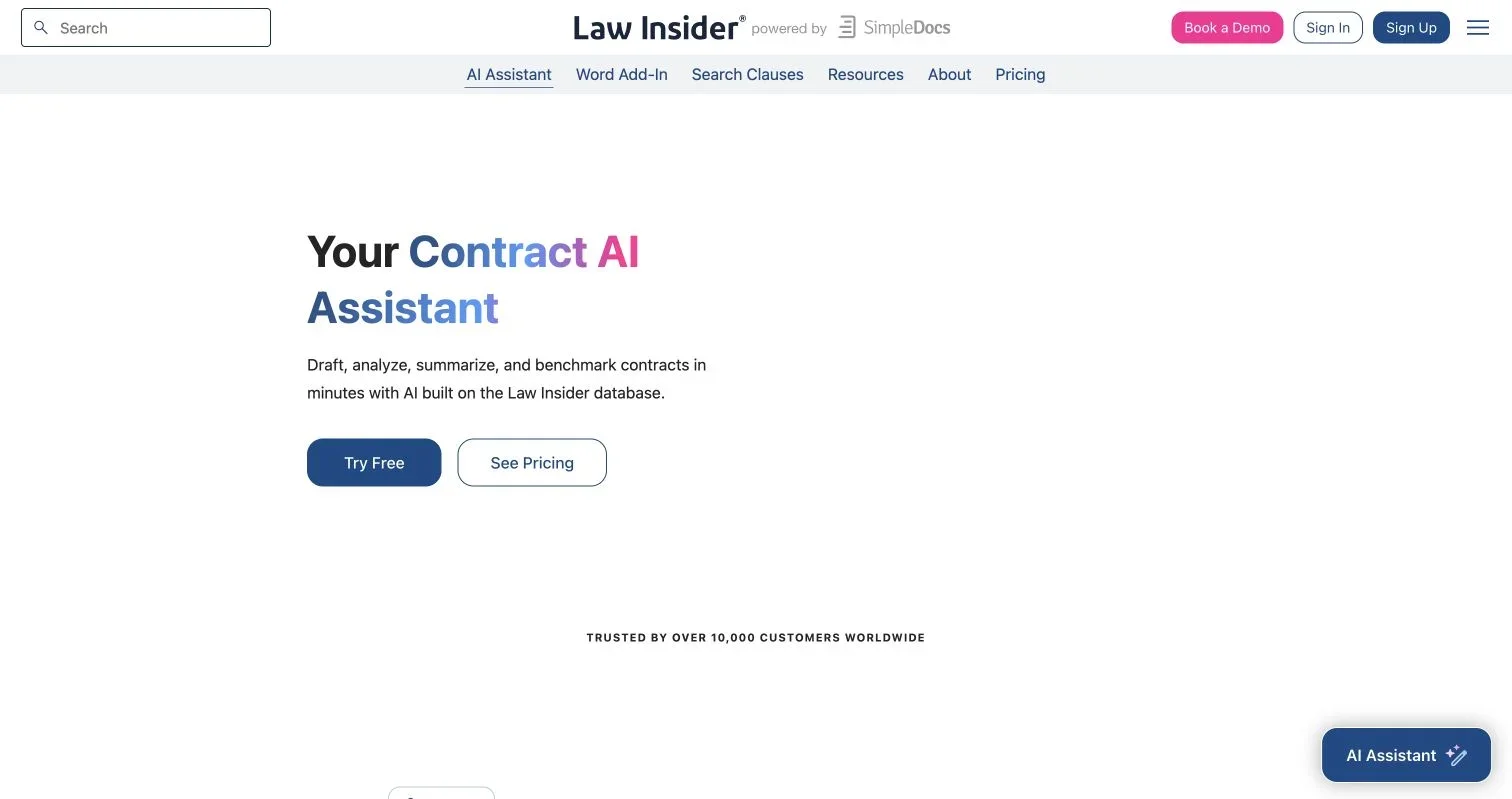
Source page reviewed in Chrome during article research. Follow the image link for the current page.
What Law Insider AI Contract Drafting Software Actually Does
The current Law Insider AI contract drafting page describes a browser-based assistant built for contract work. Law Insider says the product combines its contract database with OpenAI technology. It does more than generate clauses from prompts.
Law Insider currently presents the following capabilities:
- Drafting first versions of agreements and individual provisions
- Creating projects from a legal team’s existing templates
- Answering questions about uploaded contracts
- Identifying language, obligations, and possible risks
- Benchmarking clauses against market standards
- Summarizing agreements and comparing alternatives
- Drafting negotiation responses and internal memoranda
- Working in nearly any language through the assistant and Word add-in

Product interface image from the official Law Insider AI page. Features and interface details may change.
Law Insider AI resembles specialized contract software more than a general-purpose chatbot. Its database can provide realistic formulations instead of relying on a model’s memory.
Law Insider markets public contract search, clause search, an AI Assistant, and a Word add-in. These related tools are not necessarily interchangeable. Teams should test the exact product and plan they expect to deploy instead of assuming every database or editing function is included.
Where Law Insider AI and Legal AI Can Save Time
Law Insider is most useful when it removes repetitive work while leaving final legal judgment to humans. It can help paralegals summarize, associates compare language, and in-house lawyers prepare negotiation notes faster. The output provides a starting point for human review.
Consider four realistic uses:
-
Vendor agreement intake: A legal assistant uploads a 35-page SaaS agreement and asks Law Insider AI to extract renewal dates, notice periods, liability caps, and governing law. The assistant’s results are checked against the source and entered into the matter tracker.
-
Clause comparison: An associate asks for alternative audit-right provisions, compares them with the firm’s approved playbook, and selects the formulation that matches the client’s bargaining position.
-
Negotiation preparation: In-house counsel uses Law Insider to summarize the other party’s proposed changes and draft an internal note explaining which deviations require business approval.
-
First-draft assembly: A small firm starts from an existing services template and asks the system to adapt operational language for a new engagement. Counsel then reviews scope, local law, remedies, and defined terms.
| Task | Likely Value | Required Human Check |
|---|---|---|
| Summarizing a contract | High for initial triage | Compare each important point with the document |
| Finding clause alternatives | High for idea generation | Confirm context, jurisdiction, and internal policy |
| Drafting a routine provision | Moderate to high | Check definitions and cross-references |
| Giving a final legal opinion | Poor fit | Qualified lawyer must perform the analysis |
Law Insider AI can accelerate mechanical drafting and review tasks. Judgment remains the expensive part, and rightly so.
Law Insider AI Limits and Accuracy Risks
A polished interface does not guarantee accuracy. Law Insider’s Terms of Service say AI output may be inaccurate or inappropriate, is supplied “as is,” and must undergo human review and verification. The terms also state that the service does not provide legal advice or create an attorney-client relationship.
That warning aligns with independent evidence about legal AI, contract review software, and related legal research tools. A preregistered study of more than 200 legal queries found hallucination rates between 17% and 33% across three prominent AI legal-research products. Lexis+ AI answered 65% of the study’s queries accurately, while the tested Westlaw and Practical Law systems had lower measured accuracy. The research paper did not test Law Insider, so its percentages must not be presented as Law Insider performance data. They show that access to legal materials reduces but does not eliminate errors.
Common failure modes include:
- Omitting an exception buried elsewhere in the agreement
- Treating a party’s allegation as a court’s finding
- Applying language from the wrong jurisdiction or transaction type
- Producing a clause that conflicts with a defined term
- Describing “market” language without a transparent comparison set
- Giving a confident answer where the contract is genuinely ambiguous
Drafting plausible language is easier than proving it suits a client. Every generated provision should therefore be traced to the governing agreement, approved precedent, or primary legal authority before use.
Privacy, Confidentiality, and Privilege Questions
Law Insider’s product page says data is processed securely and “never shared with third parties.” The detailed legal documents qualify that statement. The terms say submitted information may be transmitted to and processed by AI features, including third-party providers. They also state that Law Insider and its AI providers do not use customer content to train AI or machine-learning models.
The Law Insider privacy policy, last updated September 30, 2025, discusses cloud and application service providers, international processing, and retention while an account exists or as needed to deliver the service. It also says deleted information may remain in anonymized, aggregated, archived, or backup form. This does not make the product unsuitable, but a marketing FAQ cannot support a confidentiality assessment.
Before uploading client documents, ask Law Insider for written answers to this checklist:
| Item | What to Check | Why It Matters |
|---|---|---|
| AI providers | Which subprocessors receive prompts or documents? | Reveals where confidential material travels |
| Retention | How long are inputs, outputs, logs, and backups retained? | Affects deletion and discovery obligations |
| Model training | Does the no-training promise cover every plan and provider? | Consumer and enterprise arrangements can differ |
| Data location | Where is customer content stored and processed? | Relevant to client and regulatory restrictions |
| Access controls | Are SSO, MFA, roles, and audit logs available? | Limits internal exposure |
| Incident response | What notice and remediation terms apply? | Determines the firm’s response options |
| DPA and security | Can the firm review the DPA, SOC 2 report, and subprocessor list? | Converts assurances into reviewable evidence |
The ABA’s Formal Opinion 512 advises lawyers to consider competence, confidentiality, communication, supervision, candor, and reasonable fees when using generative AI. Local ethics rules and client instructions may impose further duties.
A Safe Law Insider AI Contract Review Workflow
Legal teams should use a controlled pilot rather than informal individual accounts. The pilot should use low-risk documents and measure output against known answers. Ten test documents can expose obvious process problems but cannot statistically validate the system.
-
Define permitted work. Approve narrow uses such as summaries, clause alternatives, and first drafts. Prohibit final legal opinions, unverified citations, and autonomous client communications.
-
Classify the information. Decide whether public, internal, confidential, privileged, regulated, or export-controlled material may enter Law Insider. Do not upload client documents until reviewing vendor diligence and client restrictions.
-
Create repeatable prompts. Require the assistant to quote relevant language, identify page or section references, state uncertainty, and separate document facts from suggestions.
-
Assign a reviewer. A qualified person must compare important output with the contract, approved playbook, and applicable law. Paralegals and assistants should have a clear escalation route.
-
Measure the pilot. Track minutes saved, material omissions, unsupported statements, correction time, and reviewer confidence. Fast output that takes longer to repair brings no productivity gain.
-
Preserve the record. Store the final work product and material verification notes under the firm’s retention policy. Avoid retaining unnecessary prompts containing client information.
| Pilot Metric | Suggested Test |
|---|---|
| Extraction accuracy | Verify 100% of high-risk fields against the source |
| Draft usefulness | Record the proportion accepted with only minor edits |
| Review burden | Compare total AI-plus-review time with the prior workflow |
| Serious error rate | Count omissions or statements that could change legal advice |
This approach makes Law Insider a supervised drafting and review tool.
Law Insider Alternatives: Contract Review Software and Legal Research Tools
No Law Insider alternative is universally superior because the platform spans several legal AI categories. The best choice depends on whether the need is contract drafting, authoritative research, bulk review, or administrative writing.
| Approach | Strongest Use | Main Trade-Off |
|---|---|---|
| Law Insider AI | Clause exploration, contract Q&A, summaries, and first drafts | Vendor claims still require testing; outputs need human verification |
| Westlaw or Lexis AI research | Research tied to large collections of cases and secondary materials | Expensive and still capable of inaccurate or incomplete answers |
| Contract lifecycle management platform | Approvals, templates, obligations, signatures, and reporting at scale | Longer setup and greater process overhead |
| General enterprise AI | Emails, brainstorming, formatting, and internal summaries | Less contract-specific grounding unless the firm builds it |
| Approved templates plus manual research | High-control drafting for repeat matters | Slower and dependent on disciplined knowledge management |
| Human specialist review | Novel, high-value, regulated, or contentious matters | Highest direct cost, but indispensable where judgment dominates |
A hybrid may outperform one platform. A firm could use Law Insider for clause discovery, licensed research to check law, document management for records, and a lawyer for approval.
When comparing products, run the same five representative tasks through each candidate. Score the answers for accuracy, traceability, edit time, confidentiality controls, and total cost. Do not score speed alone. A slower answer with direct authority and stable citations may be more useful than unverifiable prose.
Who Should Use Law Insider, and Who Should Wait?
Law Insider AI best suits teams handling many routine commercial agreements with adequate legal supervision. It may help smaller firms without a polished clause bank, provided they do not equate prevalence with fairness or suitability.
Strong candidates include:
- In-house teams handling recurring NDAs, services agreements, and vendor contracts
- Law firms that frequently compare negotiated language with internal precedents
- Paralegals performing supervised abstraction and contract intake
- Legal operations teams testing structured drafting workflows
Teams should proceed more slowly when they handle criminal matters, sensitive investigations, protected health information, export-controlled data, unusual cross-border restrictions, or transactions where a drafting error could produce major financial exposure. These matters may benefit from AI only after stricter technical and contractual review.
Law Insider may be unsuitable when the main need is workflow automation, not text generation. A contract lifecycle platform can be better for approvals and obligation tracking. Dedicated research tools better suit work involving current cases, statutes, citators, and jurisdiction-specific commentary.
Before subscribing, use the free trial with synthetic or public materials. Confirm current pricing, usage limits, document restrictions, Word integration, administrative controls, and support commitments. Product pages change, and practical value often depends on the plan.
Bottom Line on Law Insider AI
Law Insider AI offers credible legal AI tools for drafting clauses, reviewing contracts, preparing summaries, and comparing language. Its database offers a more relevant starting point than an unconfigured consumer chatbot. That can save time on recurring contract work.
Law Insider expressly disclaims the accuracy and legal-advice status of AI output, while independent research shows that even specialist legal systems can produce false or incomplete answers. Privacy review must also extend beyond the short product FAQ to the terms, DPA, retention rules, and AI-provider arrangements.
Use Law Insider AI for supervised assistance: let it find, organize, and draft while a qualified human verifies. Test it against real workflows, measure correction time, and keep sensitive information out until vendor diligence is complete. That is less dramatic than “AI lawyer,” but more useful.
Frequently asked questions
Can Law Insider AI replace a lawyer for contract review?
No. It can accelerate drafting, summarization, clause comparison, and document triage, but its output may contain errors or omissions. A qualified reviewer should verify important conclusions against the contract, approved precedents, and applicable law.
What types of contracts are best suited to Law Insider AI?
It is best suited to recurring commercial agreements such as NDAs, vendor contracts, and services agreements. Novel, regulated, contentious, or high-value matters require greater caution and more intensive specialist review.
Is it safe to upload confidential or privileged documents?
Do not upload sensitive documents until your organization has reviewed the applicable terms, DPA, subprocessors, retention practices, data locations, and security controls. Client instructions, professional duties, and local regulations may impose additional restrictions.
How should legal teams verify AI-generated contract analysis?
Require the tool to identify the relevant clause, page, or section and to distinguish document facts from suggestions. Reviewers should compare every material extraction or recommendation with the source document, internal playbook, and relevant legal authority.
How can a firm test Law Insider AI before subscribing?
Run a controlled pilot using public, synthetic, or low-risk documents with known answers. Measure accuracy, serious omissions, edit time, total review time, and the proportion of drafts accepted with minor changes, not output speed alone.
When is another type of legal software a better choice?
Choose a contract lifecycle management platform when approvals, signatures, obligation tracking, and reporting are the main needs. Dedicated legal research tools are generally better for current cases, statutes, citators, and jurisdiction-specific analysis.
Does commonly used contract language automatically make it appropriate?
No. Frequently used language may reflect a different jurisdiction, transaction type, or bargaining position. Each clause must still be checked for consistency with defined terms, client objectives, internal policy, and the rest of the agreement.